Start with the job
A study computer, editing workstation and gaming machine place very different demands on the hardware. Decide which programs or games matter, the screen resolution you expect to use and whether you want room to upgrade.
Choose the core parts
The CPU and motherboard establish the platform. The motherboard socket must match the processor, and it must support the memory generation you choose.
- CPU and compatible motherboard
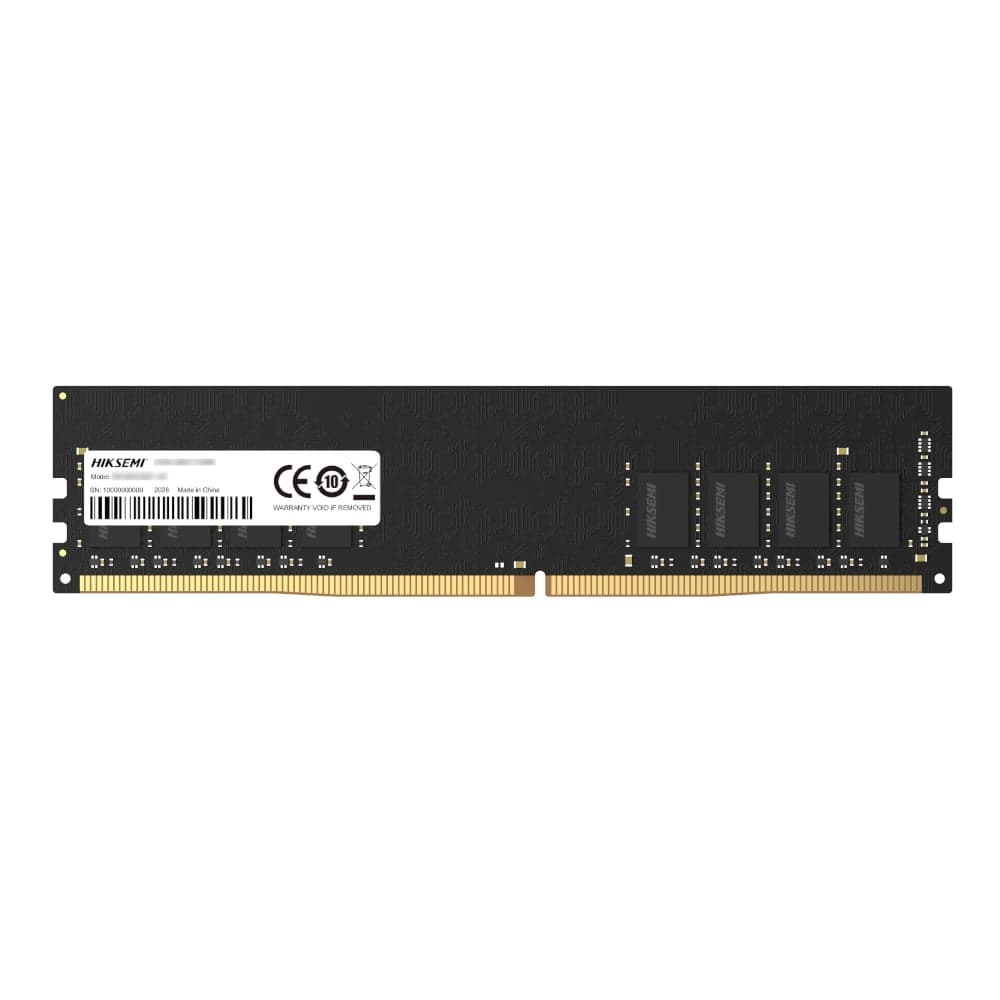
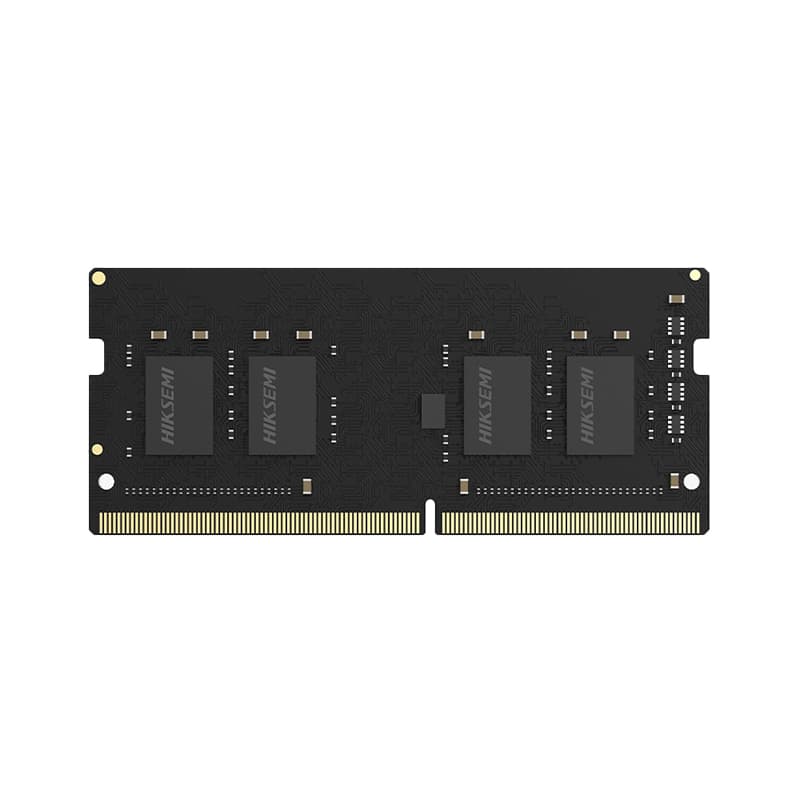
- Memory suited to the board and workload
- SSD capacity for the operating system, applications and files
- Graphics card when the workload needs one
Power, cooling and fit
The case must fit the motherboard and graphics card. The power supply must provide enough reliable capacity and the correct connectors. Cooling should suit the processor, case airflow and expected workload.
Check the complete machine
Review compatibility, price and availability as one build. Innozanzi PC Projects let you save the complete design, understand its likely capability and purchase available components together or progressively.
Common questions
Can a beginner build a PC?
Yes. Work step by step, confirm compatibility before buying and follow the component manufacturers’ installation instructions.
Do I need a graphics card?
Not always. Some processors include graphics suitable for everyday work, while gaming, 3D and some creative workloads usually benefit from a dedicated GPU.